Show your players what is next, and follow up on it.
FollowUp Desk X is a roadmap and checklist for Minecraft server owners. Plan what is coming, tick off the steps as your team finishes them, and give players a page that answers “when?” for you.
No database is connected on this deployment. The demo stores data in your browser only.
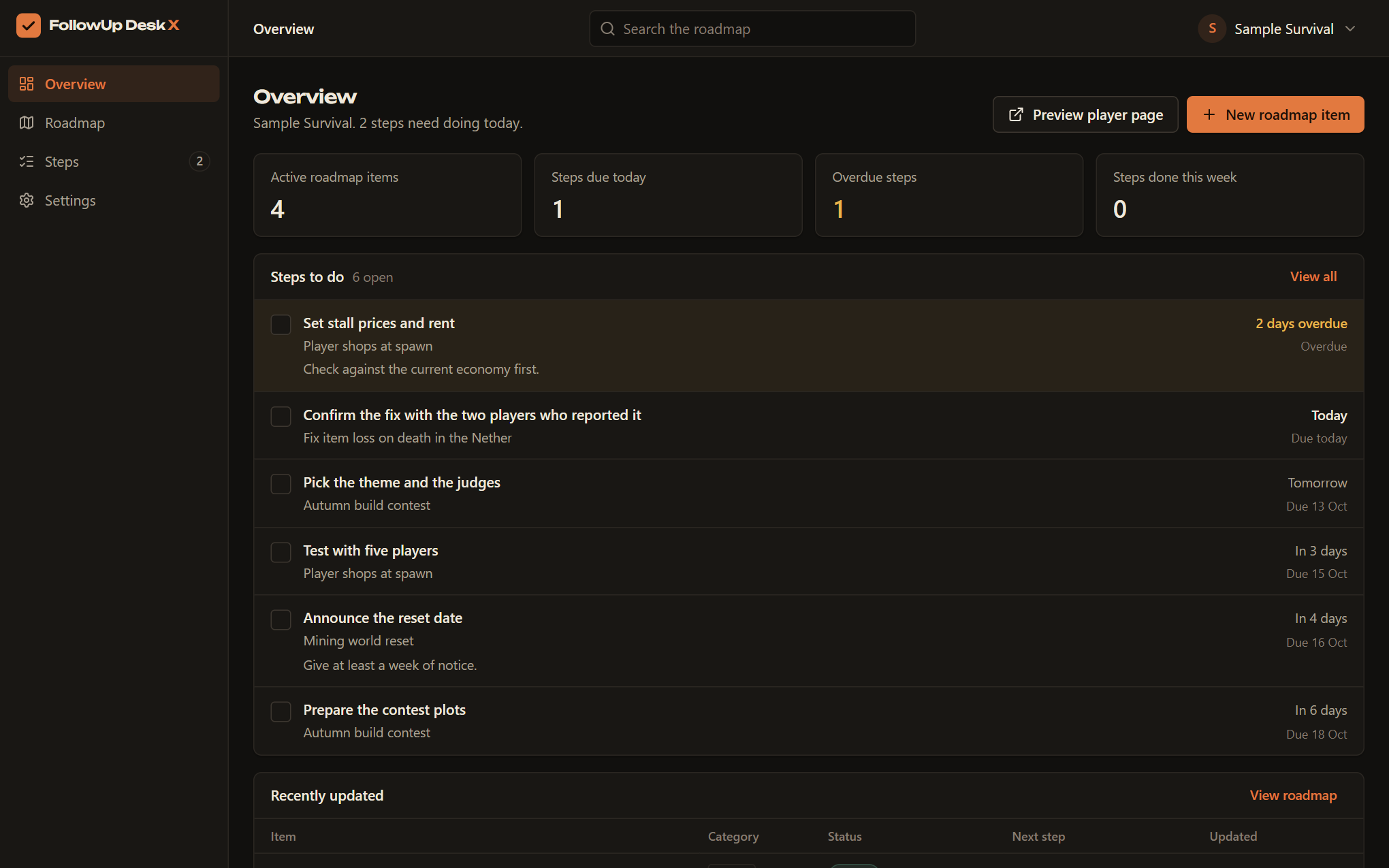
From “soon” to on the server.
Four stages every player understands. Move an item along and the public page changes with it.
- Planned
You announce it
Add the idea with a sentence players will understand. It appears on the roadmap as planned, with no date you cannot keep.
- In progress
The team gets to work
Break it into steps and give each one a day. Players watch the checklist fill in, and you stop answering the same question in chat.
- Testing
It goes to testing
The build is done and being checked. Anything overdue is flagged on your own list, so a stalled item does not sit unnoticed.
- LiveDropped
It goes live, or it does not
Mark it live and it moves to the released list. If plans change, drop it: it leaves the public page and stays in your records.
Due today
Steps done this week 0
- Build the market squarePlayer shops at spawn
- Set stall prices and rentPlayer shops at spawn
- Test with five playersPlayer shops at spawn
One roadmap for the server
Features, fixes, events, world resets and plugin updates in one list, each with a status players understand.
A checklist behind every promise
Break each item into steps with dates. Overdue and due-today steps rise to the top of your own list.
A page players can check
Switch on a public page and share the link. Players see what is planned, what is being tested and what is live.